Sales orders and invoices
Create sales orders and sales invoices for your parties, with items, rates and GST.

Your business on your phone
TallyNxt connects field staff and office teams to their company's accounting data. Look up outstanding and stock, enter orders and vouchers, and mark attendance at a customer, all from an Android phone.
Coming soon to Google Play. Accounts are created by your company's administrator, so there is no sign-up in the app.
What it does
Work you would otherwise do by phone call, paper or a trip back to the office is done in the app. What each person sees depends on the screens their administrator turns on.
Create sales orders and sales invoices for your parties, with items, rates and GST.
Raise purchase orders to suppliers from the field and check their status later.
Enter receipt and payment vouchers as they happen, instead of writing them down for later.
Enter an expense claim with its items and total, and review it later in your records.
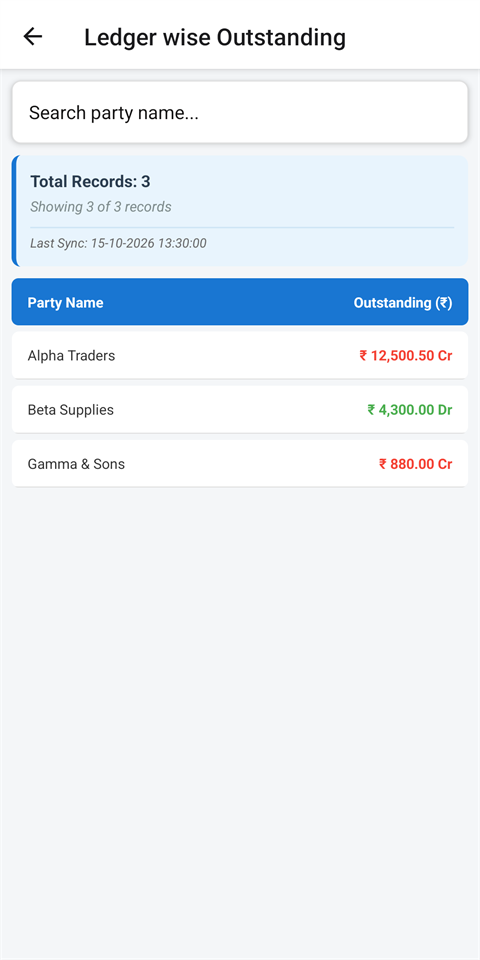
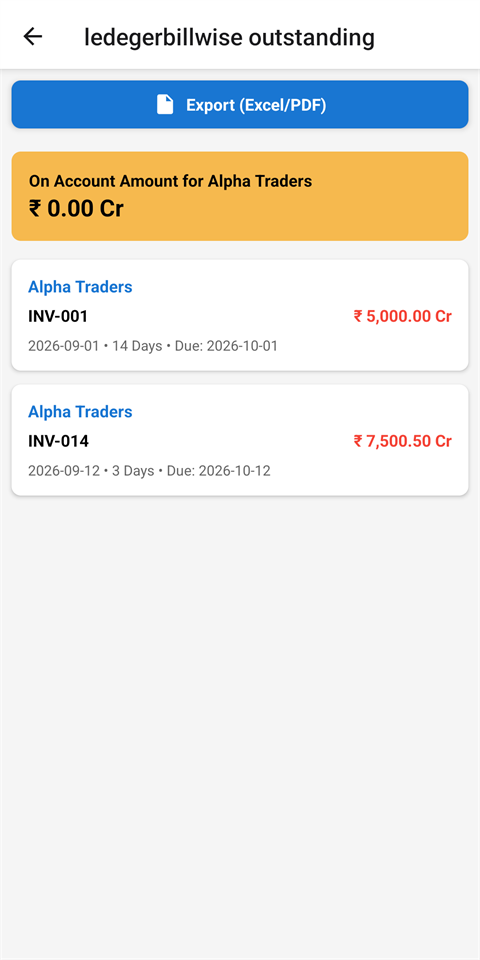
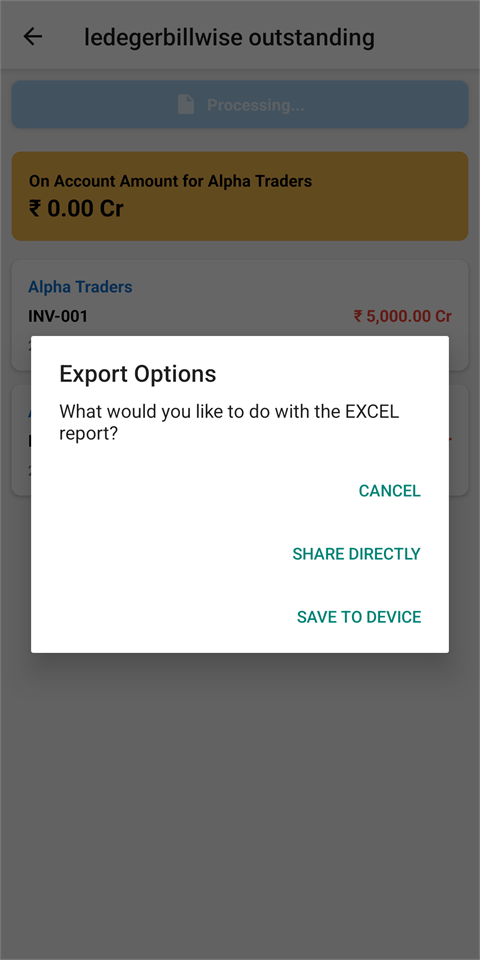
See receivables and payables by party and by bill, and open ledger vouchers.
Look up stock balances and item details while you are with the customer.
Open the Daybook, Sales and Purchase Register, Top Customers, Top Suppliers, Item Sold and Item Purchase reports. You see the reports your company allows.
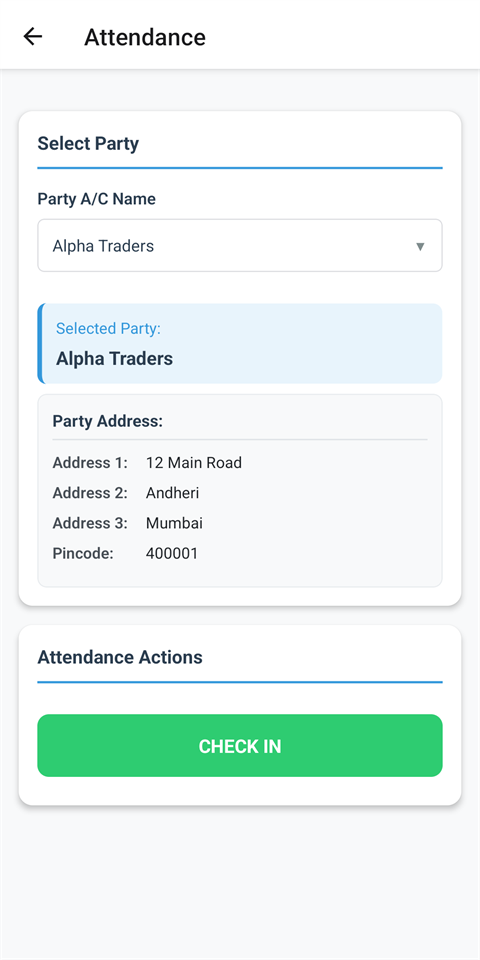
Check in and check out at a customer or branch with your location, and read your attendance history.
locationReview the entries you made with their status. Export reports as PDF or Excel, save them where you choose, or share them.
In the app
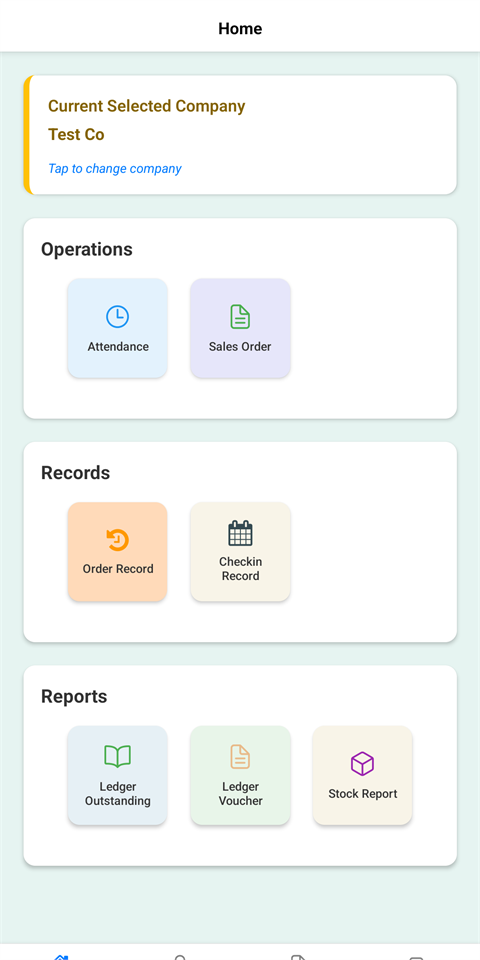
Large buttons, clear lists, and the next step one tap away. The screens below use sample data.
How it works
CBD IT Solutions sets up a TallyNxt server for your company, linked to your Tally data.
Each person gets a username and a password, and the screens they may use.
Type the server address, the username and the password. Your company's data appears, and only the screens you were given.
Data and permissions
TallyNxt carries no advertising and no analytics or tracking tools. What you enter goes to your company's own TallyNxt server.
On your action
Your precise location is read only when you tap Check In or Check Out. A notice explains this before Android asks for permission. The app has no background location.
Not collected
The app does not read your contacts, messages, call history, microphone, photos or advertising ID.
Never
Your data is not sold or rented. The one outside service is OpenStreetMap, which turns your check-in coordinates into an address.
Always
The Play Store app connects to secure (HTTPS) servers only. Your password is not saved on the phone, and login tokens are kept in the Android Keystore.
The full detail is in the privacy policy, and you can ask for your data to be deleted at any time.
Contact
Send us an email with your company name and what you use Tally for. We reply by email.